
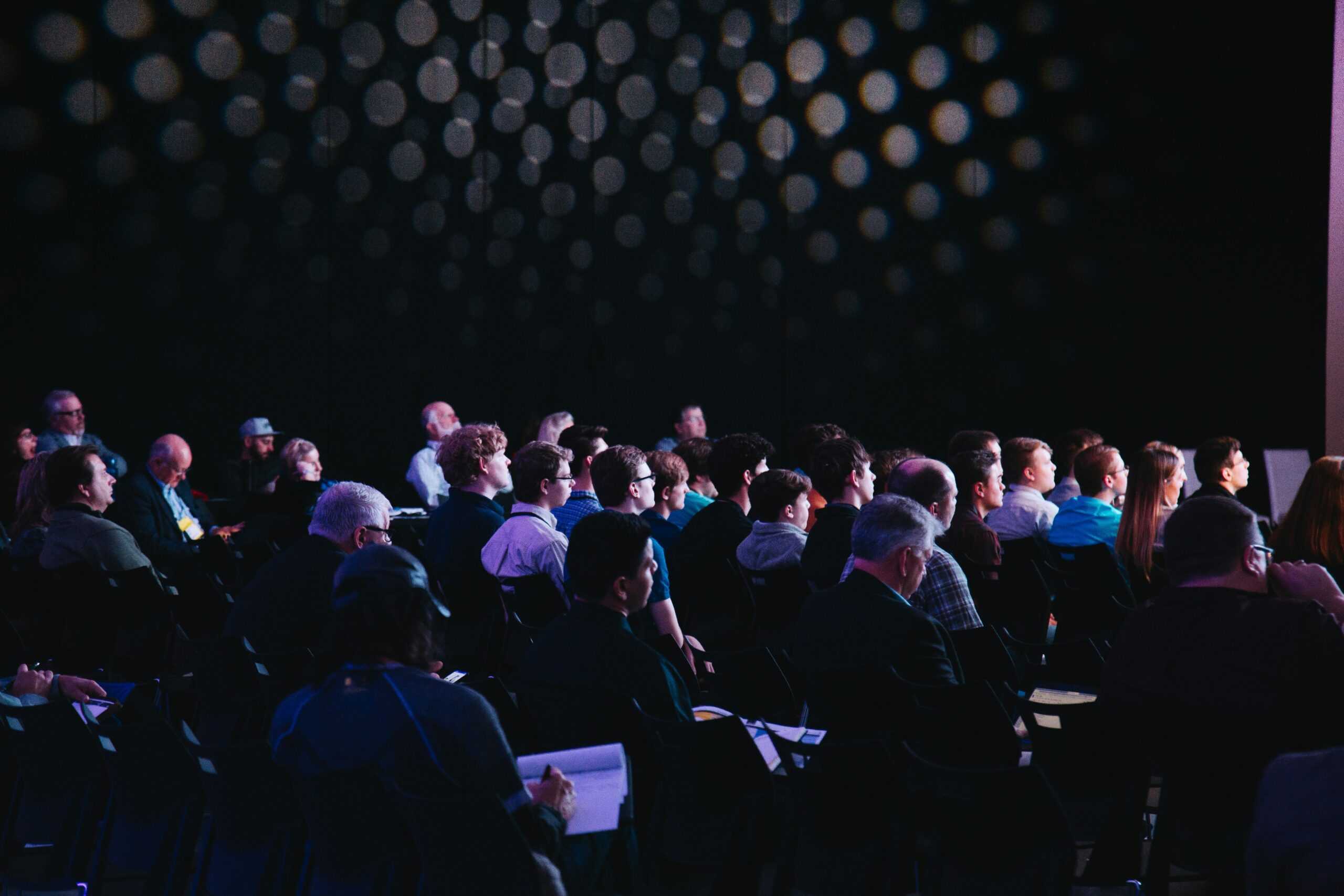
How to Design a Seamless Visual Experience for Your Next Business Conference
How to Design a Seamless Visual Experience for Your Next Business Conference
The most memorable visual experiences at business conferences are those that are flawlessly executed. Those are the ones that people don’t feel the need to talk about because everything was so seamless, and they were completely engrossed in the actual presentations. That should be the goal we all strive for.
Start with format standardization
Before plugging in any hardware, the easiest source of visual clutter to eliminate is inconsistent slide formatting. When five presenters each bring their decks in 4:3, 16:9, and 21:9 widescreen, what you see is a dysfunctional family of black bars, stretched graphics, and mutated logos that tells every attendee in the room that you do not have your sh\*t together.
Decide on a single master format beforehand. Generally, 16:9 is a safe bet for most large-screen and LED wall installations. Have a branded template to send to presenters. Get all decks at least 48 hours out, and have them pre-loaded onto the actual presenting hardware so you can flag any issues before it’s too late. One problem you don’t have anymore.
Build transition logic into your run of show
Switches between presenters are usually a giveaway that you’re dealing with an amateur operation. Suddenly your audience is looking at a Windows desktop. Or a "no signal" message. Or a laptop coming out of sleep while someone urgently clicks through system preferences. That’s stuff the audience should never see.
The answer is to deploy a holding slide. Have a graphic – your show logo, the event title, a nice neutral background – preloaded and waiting on the switcher at all times. Switch to that whenever anyone is plugging in or out. The audience sees a simple, clean, deliberate image. In the background, your team has all the time in the world to take the output change in their stride.
It sounds simple, but it depends on the AV director "owning" those transition points. They need a script shot-list that details every source change, every video insert, every camera switch live on the night. Ad-hoc transitions are where the invisible production starts getting very visible.
Hardware reliability over software convenience
Software-based switching solutions may be acceptable for small, simple setups. If you’re in a meeting room with a laptop and need to switch to the camera feed a few times, software will be fine.
However, if you’re at a business conference with multiple laptops, camera feeds, a media playback system, and live lower thirds for speaker names and titles – software introduces latency and failure points that hardware quietly removes.
A professional hardware video switcher is designed to take multiple HDMI, SDI, or DisplayPort inputs simultaneously, then cut between them with zero-frame delay. There’s no spinning wheel, no handshake negotiation, no moment where the display recalibrates. The cut is instant because the hardware is designed to do exactly that one thing reliably, over and over until the end of time or the warranty expires.
Professional screen switching means the operator is always one button away from any source in the system, with no software layer between the decision and the output.
Design for sightlines, not just aesthetics
A conference room may look fabulous but seating, screens, and staging, are not the right size or in the right place. Eye strain is a terrible thing to inflict on your audience.
Fabulous pictures from the top of the house looking down always show a room that looks great. What you can’t see is that a 20 pixel high lower-third font reads as a blurry line from the back of a ballroom. It may not even be present. Ask for seating and optionally stage layouts for the smallest to largest room the event uses, with screen locations drawn in.
The stage designer might have put lovely arrangements stage right and stage left to give a room some color. The problem is they’re right in the sightline from the seating sections on that side of the room to the nearest monitor. Or how about those lovely readers in front of the screen as seen through the camera on a head-on shot. (actually, We know why that happens; few care about the camera shot from the back of the room.)
Build redundancy for every critical path
Redundancy means a backup signal path and destination on every primary output. It’s a backup cable run alongside every primary signal path. It’s a spare laptop pre-loaded with every presentation, ready to go in under 60 seconds. It’s another output on the switcher that can go live if the primary dies. For hi-res LED walls showing 4k over two fibers, the backup source is also 4k – not a lower-res, horribly up-scaled fallback that immediately signals the audience that failure has occurred.
When redundancy is a result of the system architecture instead of something rigged haphazardly on show site, the production team can fix problems before the audience becomes aware of them.
The goal is not to have the most amazing looking conference screens you’ve ever seen; the goal is to have the information on stage be the star, and you as an attendee don’t pay their AV team the compliment of noticing how sexy their LED wall looks. It’s not luck or disproportional budgets. It’s people who plan for failure and have already come up with a solution on the day you attend.